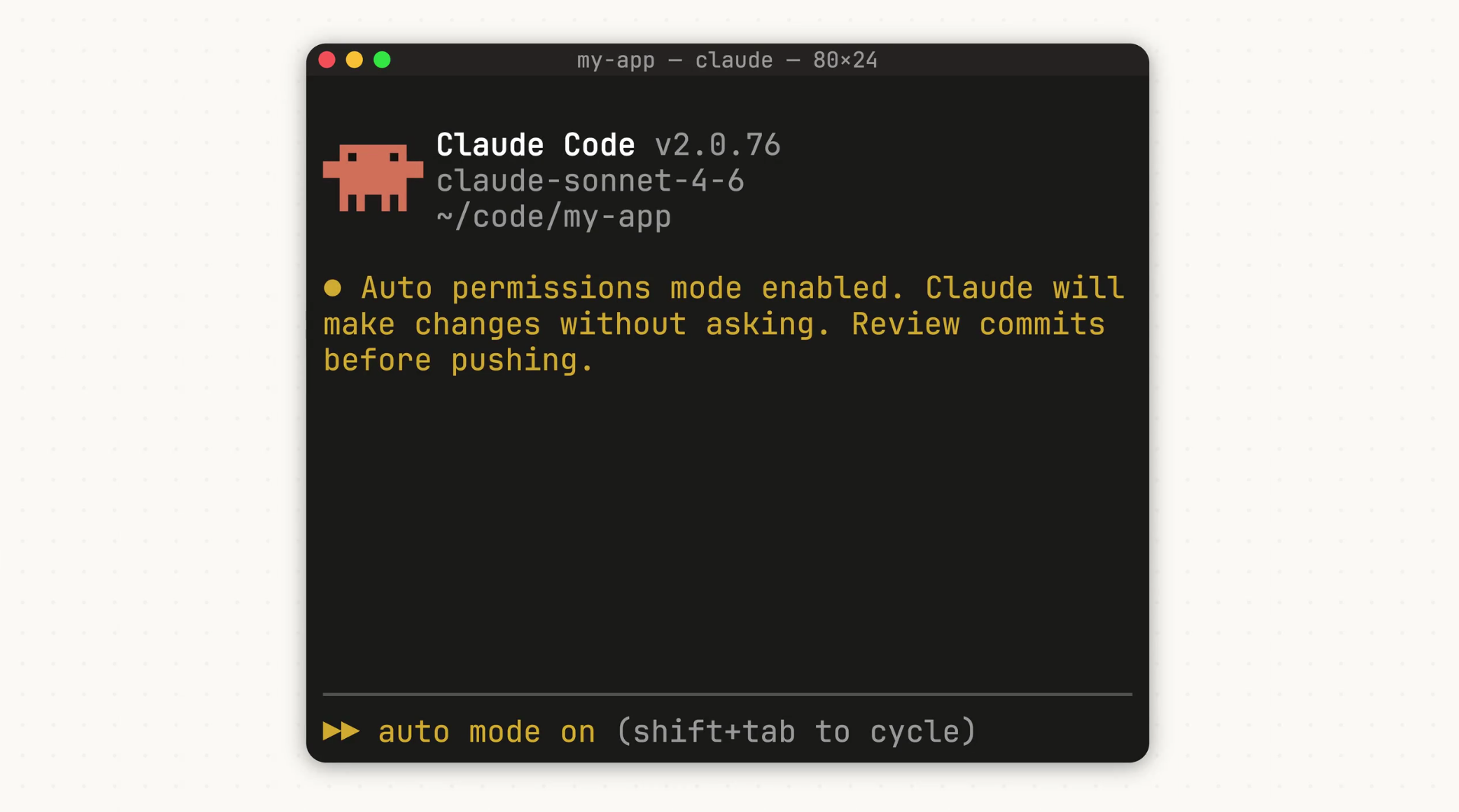
Anthropic rolled out “auto mode” for Claude Code this week. The feature lets the AI handle its own permissions during coding sessions, skipping constant user approvals while blocking risky moves.
Developers often hit roadblocks when Claude Code asks for permission on every tool use, like reading files or running commands. Some skip approvals entirely with a “dangerously-skip-permissions” option, but that opens security holes. Auto mode splits the difference: a classifier checks each action first. Safe ones go ahead automatically; risky ones, like deleting files or handling unclear contexts, get flagged for user input.
It also scans for prompt injection attacks, where hidden instructions in code could trick the AI. TechRadar notes this speeds up long tasks without full trust handover. SiliconANGLE points out developers pre-approve tools to avoid waits, but auto mode adds safeguards.
How it decides what’s safe
- Safe: Routine file reads, minor edits.
- Risky: Mass deletions, bash commands that could harm data, ambiguous user intent.
Anthropic admits it’s in research preview, so it might block harmless actions or miss some risks. They suggest running it in sandboxes away from production code. Right now, it works only with Claude Sonnet 4.6 and Opus 4.6 models. Teams users get it first, with Enterprise and API access coming soon.
The AI Insider calls it a step toward more independent coding agents. MyHostNews highlights how it shifts permission calls from users to the AI itself.
This fits Anthropic’s recent coding push—think Claude Code Review for bug checks and Dispatch for mobile task handoffs. In a field where OpenAI and others chase agentic tools, auto mode keeps Claude competitive without going all-in on blind trust.